Domain Search
 AI Domain Search
 Domain Transfer
 TLD List with Prices
 SSL Certificates
 Create a Website
 Google Workspace
 News
News Podcast
 Promos
 About Us
 Contact
Moving a domain registration to NicNames does not move your website or email. Before you start, check transfer eligibility, identify who hosts DNS, and make a plan to keep the records your services need.
1. Check access and transfer eligibility
Confirm that you control the domain at its current registrar and can receive messages sent to the transfer contact. Review the expiration date and any transfer restriction before starting. For many generic top-level domains, a new registration, a recent registrar transfer or a recent change of registrant can bring a 60-day transfer restriction; country-code domains may have different rules. Ask your current registrar which rule applies to your specific name. Request the domain’s transfer authorization code and, when eligible, follow that registrar’s process to remove a transfer lock. Keep the code private.
2. Map the DNS that keeps your services working
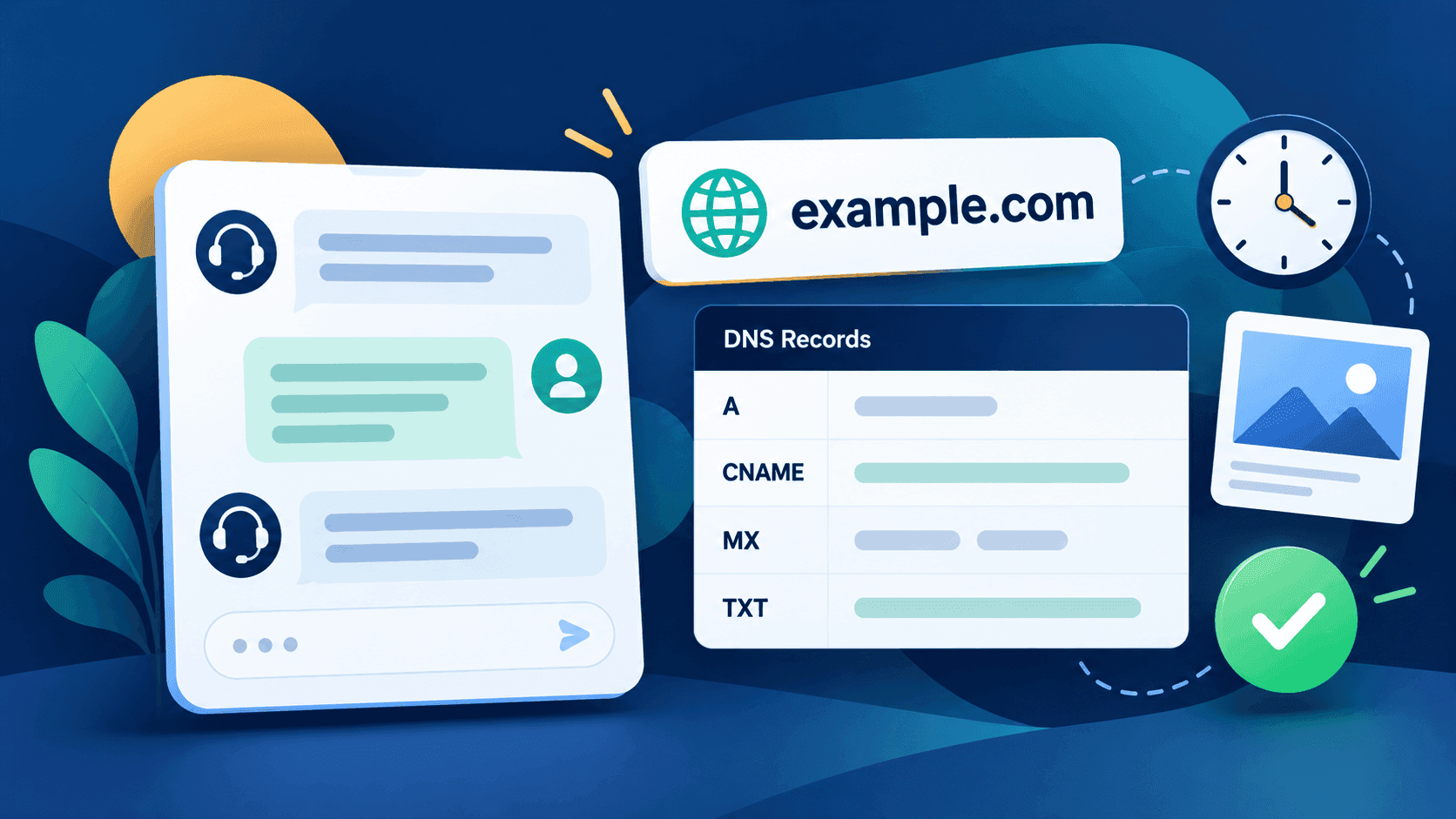
Write down the current authoritative nameservers and identify who provides the DNS zone. Record the website’s A, AAAA and CNAME records and the email service’s MX and relevant TXT records. If your current registrar also hosts DNS, confirm that DNS hosting will continue after the registration leaves. Some providers end bundled DNS service during a transfer; arrange a separate DNS provider and verify a complete zone before any nameserver change if that is your situation.
Transferring the registrar and changing nameservers are separate decisions. Avoid changing both at once without a migration plan. Our DNS troubleshooting guide explains how to identify the authoritative provider and compare live records. If DNSSEC is enabled, coordinate the delegation and keys with both providers before changing DNS service.
3. Review the NicNames transfer path
Open the NicNames domain transfer page. It asks for the domain name and has a Continue button; the page explains that you will need the secret code from your current registrar. Check the current terms and the transfer price for your exact extension before proceeding. Transfers do not all have the same renewal effect, and some extensions use their own confirmation process. The NicNames price-comparison guide helps distinguish transfer and renewal costs.
4. Confirm the outcome before closing the old account
Follow the approval requests sent by the registrars, then check the transfer status in your accounts. After completion, verify the registrar and expiration date, the delegated nameservers, website access and both inbound and outbound email. Keep access to the old DNS provider until you have confirmed that the active records and any required DNSSEC settings are working at the intended provider. If a check fails, compare authoritative DNS answers first and contact NicNames Support with the domain and the failing service, without sending your authorization code.