Domain Search
 AI Domain Search
 Domain Transfer
 TLD List with Prices
 SSL Certificates
 Create a Website
 Google Workspace
 News
News Podcast
 Promos
 About Us
 Contact
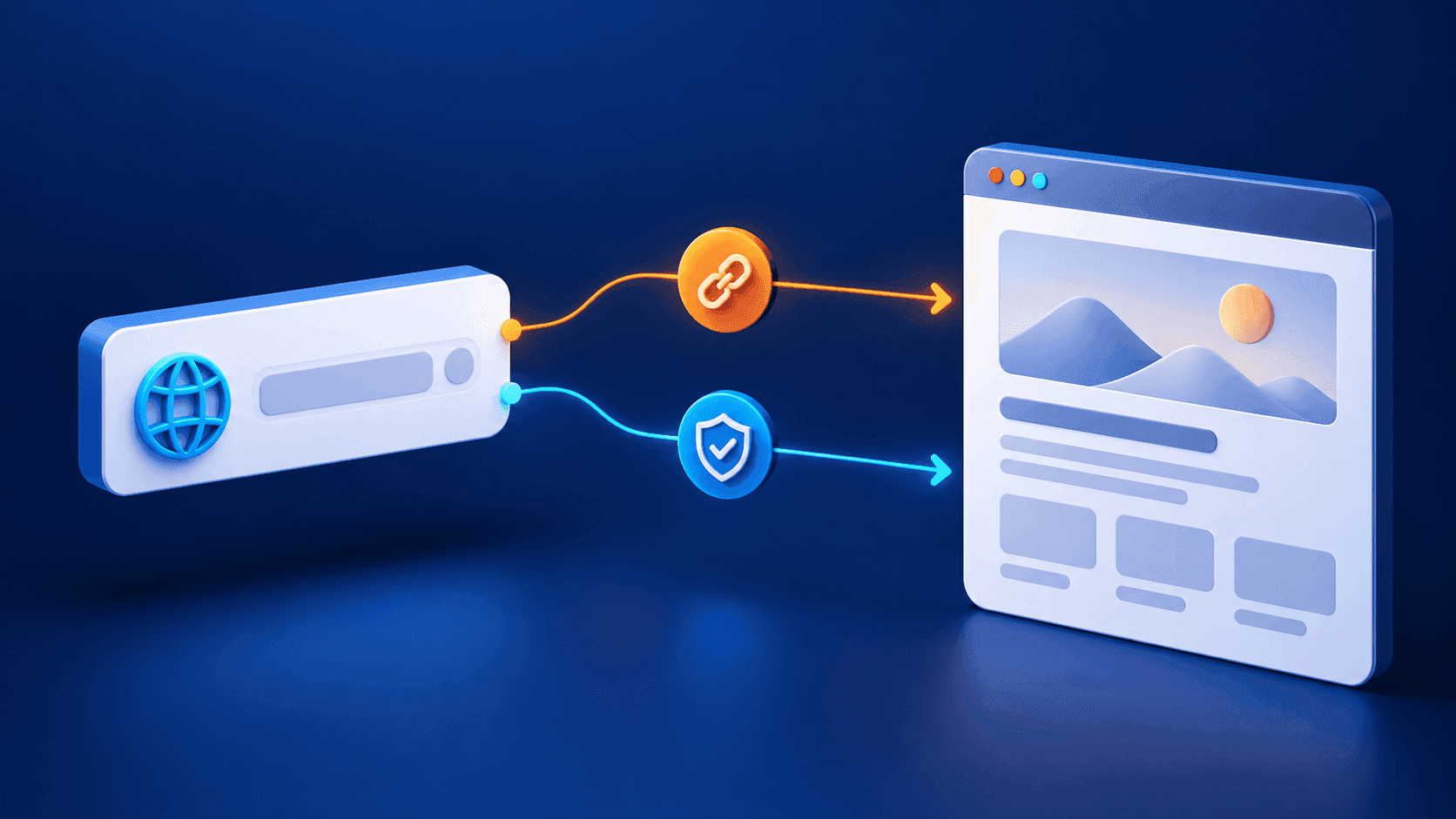
Keep your main website on its current domain and connect a separate shop address to Shopify. This guide shows where to add the CNAME in NicNames DNS, what to check before replacing a record, and how to confirm the connection.
A shop subdomain such as shop.example.com can point to a Shopify store while example.com stays with your existing website. Connecting a subdomain changes DNS; it does not transfer your domain registration away from NicNames. If you still need a domain, start with NicNames domain search.
1. Check where your DNS is managed
Sign in to NicNames and open Domains → ClassicDNS. Select the domain’s Settings and check Name-Servers. If it uses Free Name-Servers, open DNS Records → Manage. If the domain uses custom name servers, make the CNAME change at the provider that actually hosts its DNS instead. Our domain lookup guide explains how to interpret the delegated name servers.
2. Point the shop name to Shopify
Review the existing records before editing. If shop already points to another service, plan that change first so you do not interrupt an active address. In NicNames DNS Records, choose + Add record, select CNAME, and use the Name and Host alias fields. For the example shop.example.com, the name is shop and Shopify’s current CNAME destination is shops.myshopify.com. Leave the default TTL unless you have a reason to change it, then review and save the record. Do not replace the root domain’s A or AAAA records or mail records for this subdomain-only connection.
3. Add the address in Shopify
In your Shopify admin, open Settings → Domains → Connect existing domain. Enter the full subdomain, such as shop.example.com, choose Next, and follow Shopify’s connection prompts. If Shopify requests an additional ownership-verification TXT record, copy its unique value from that prompt and add it at the DNS provider; do not publish a generic verification value in advance.
4. Verify the result
Look up the public CNAME for your exact shop subdomain and confirm that it resolves to Shopify’s destination. Then check the connection status in Shopify’s Domains page and open the shop address over HTTPS. DNS changes may take time to appear across resolvers. If Shopify cannot find the record, first confirm the active name servers, the exact shop name, and any conflicting record. Our DNS troubleshooting guide helps separate an authoritative-record issue from a cached answer. For uncertainty about the NicNames fields or an existing record, contact NicNames Support before replacing it.