Domain Search
 AI Domain Search
 Domain Transfer
 TLD List with Prices
 SSL Certificates
 Create a Website
 Google Workspace
 News
 Podcast
 Promos
 About Us
 Contact

Google published new guidance on November 11, 2026, for site owners moving a website behind a content delivery network (CDN). Faster edge responses can allow Google’s crawler to request more pages, while a new CDN cache may still send first requests back to the origin server. Plan for both effects before changing traffic routing.
Why origin load can rise
Google says its crawler adjusts how much it requests partly in response to a site’s speed and reliability. After a move to a faster CDN, its crawl capacity can rise if there is demand to crawl the site. That is a possible outcome, not a guaranteed traffic spike for every website.
The CDN’s edge cache can also be empty at launch. The first request for each uncached page must reach the origin before that edge location can serve later requests from cache. A crawler may visit many different URLs, so the origin can remain busy even while visitors see fast responses. The November guidance explains this migration behavior; it does not announce a new Googlebot rule or a new NicNames service.
Prepare the site and check access
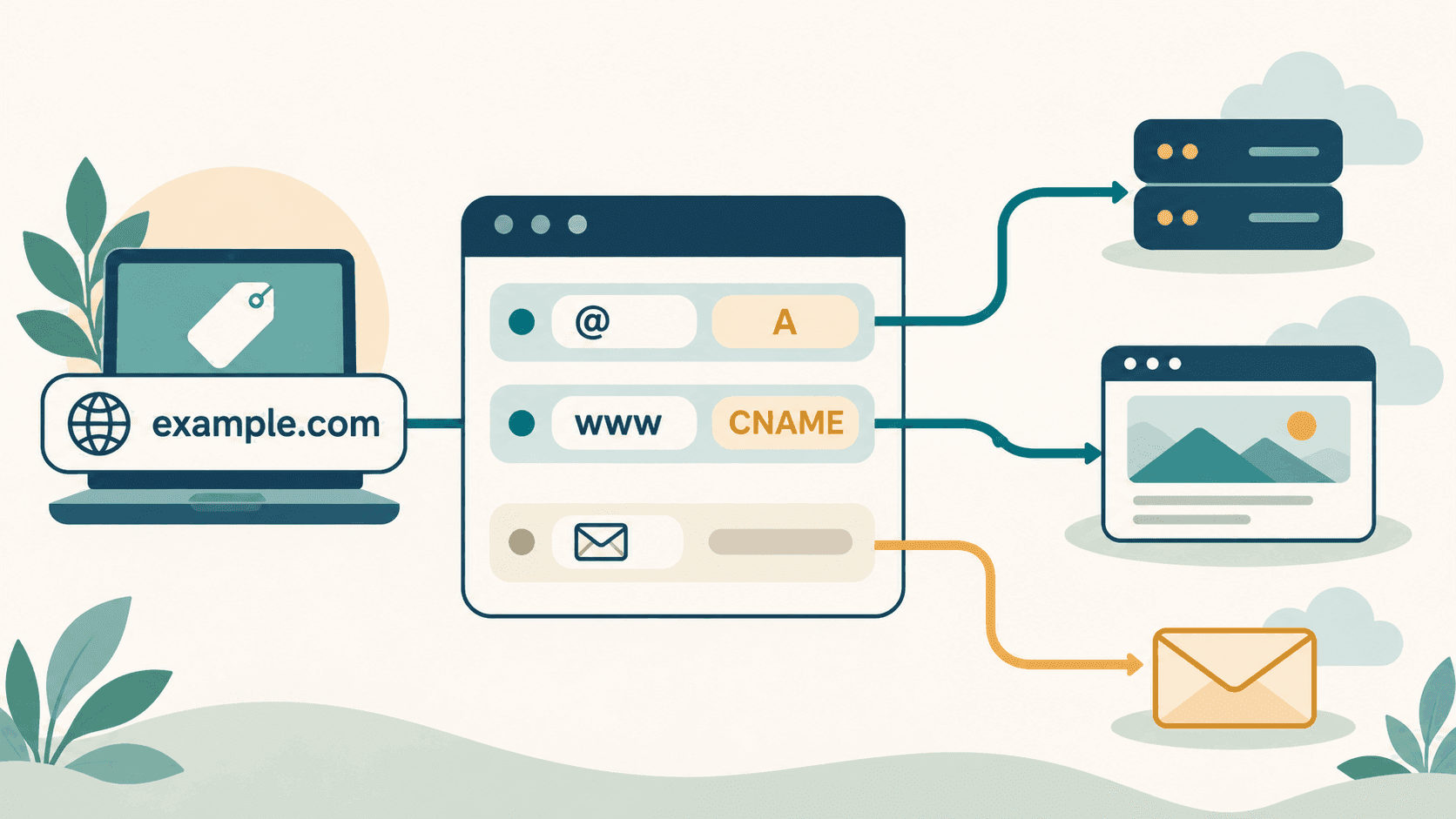
Before routing traffic through a CDN, review the origin’s capacity and the CDN’s cache settings with your hosting or CDN provider. Warm important pages at a controlled pace where that provider supports it, then monitor origin requests, cache misses and errors during the transition. Avoid assuming a nameserver or DNS change alone has finished the website move. Our DNS troubleshooting guide explains how to distinguish authoritative DNS answers from cached ones.
Google also cautions against blanket bot challenges that inadvertently block crawlers you intend to allow. Review the CDN or firewall’s verified-bot controls rather than relying on an open-ended CAPTCHA rule. If your site is overloaded, ask the operator of the server or CDN to apply a temporary, targeted response; do not broadly block search crawlers as a routine migration step.
If your domain is registered at NicNames, check which provider currently answers its DNS before editing any record. The domain lookup guide helps you read the current nameservers. For account-specific domain questions, contact NicNames Support. The CDN provider remains responsible for its cache and firewall settings.